E6 Golf 2026: The Future of Golf
Jump to:
15,000 Courses and Counting
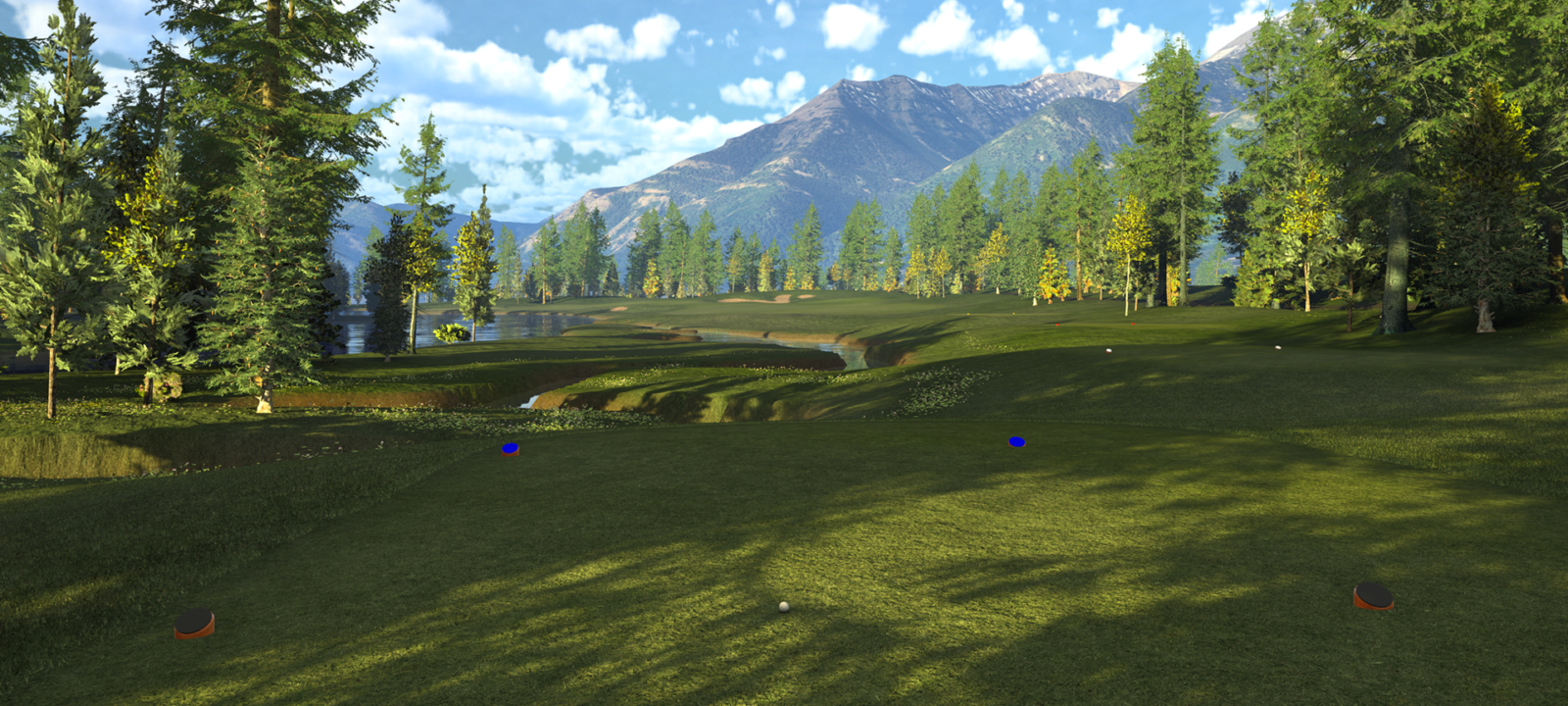
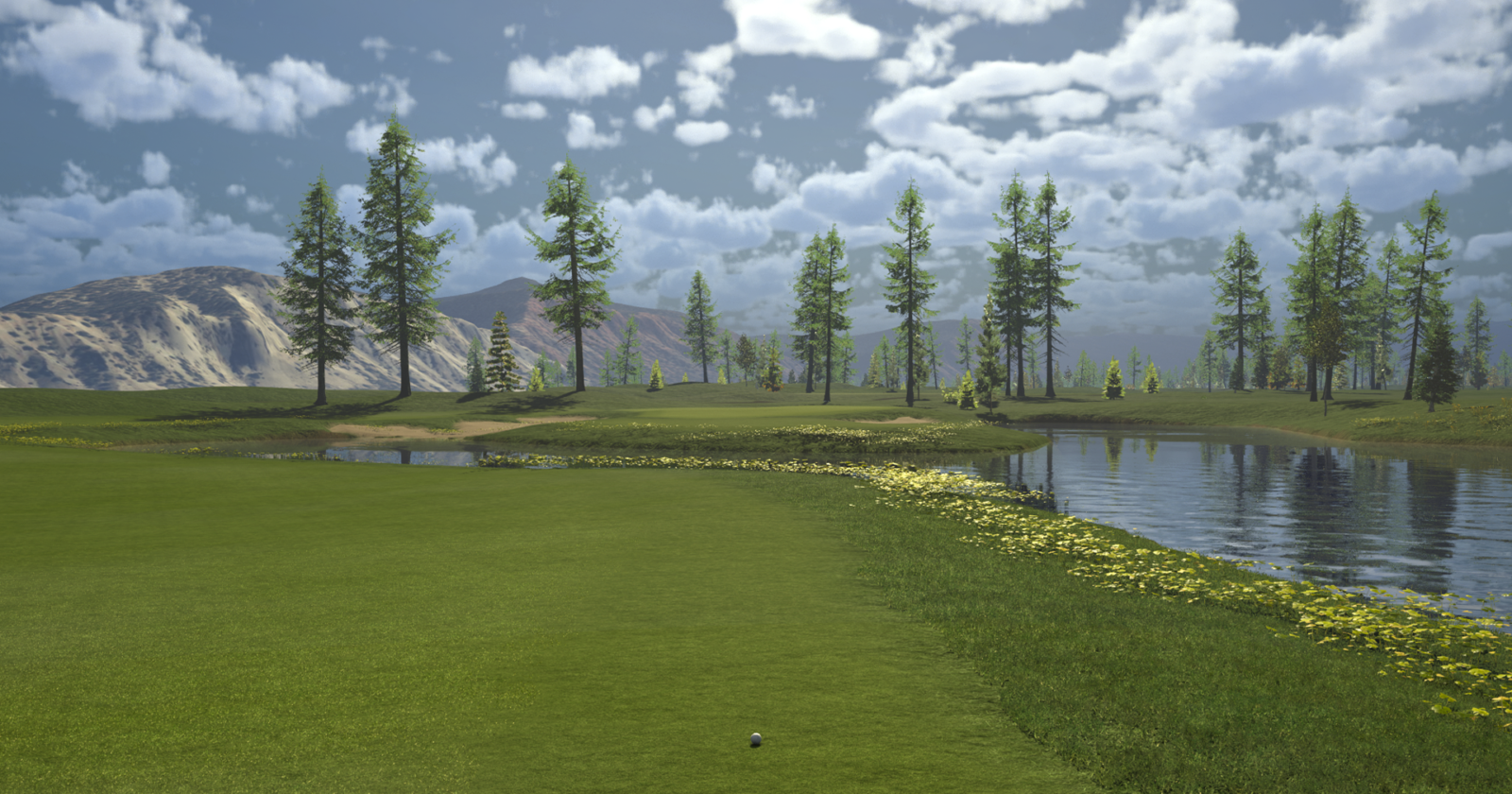
E6 offers the biggest catalog of courses on the market. Play private courses, PGA tour stops, and even your local muni in stunning, 4k graphics so good you’ll feel like you’re there.
15k
4K
49
19
A Wide Array of Carefully Crafted Game Improvement Tools
Range
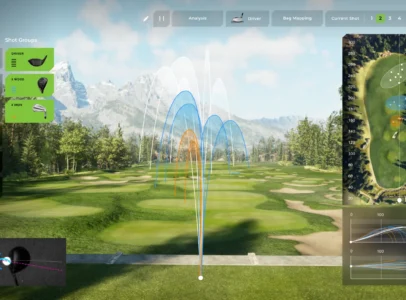
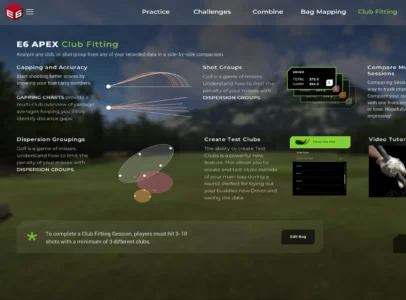
Club Fitting & Bag Building
Skills Challenges
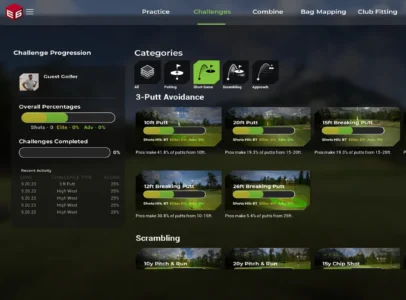
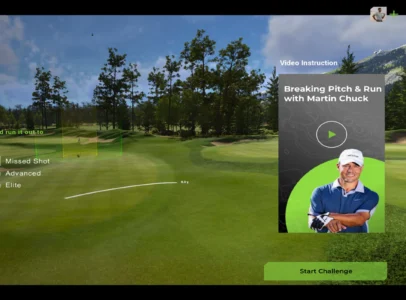
On-Demand Coaching
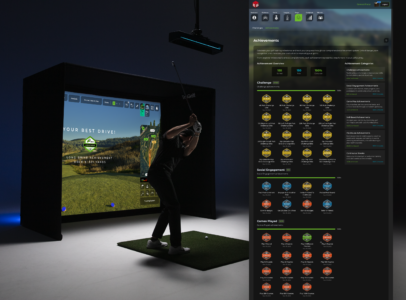
Tournaments
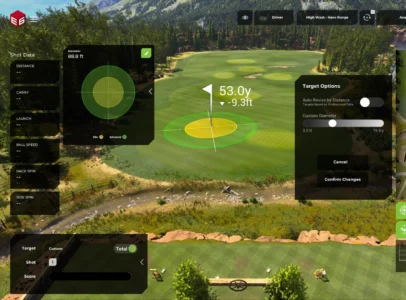
Scoring Zones
FAQs
Where can I download E6?
To use our E6 (2026) software, you must download the E6 Product Launcher first. That is available on our downloads page. Once installed, your active subscription unlocks E6 and its features, based on your subscription tier level.
How can E6 help my game?
Because E6 delivers the most accurate swing and ball striking data on the market, you’re able to see in real time the specific swing analytics pros use to improve their game. In addition to this information, we’ve also created dozens of skill honing programs, instant coaching connection, and so much more.
Is E6 compatible with PC, Android, and iPad?
E6 (2026) is currently available for Windows PC. Minimum requirements include Windows 10 64-bit, an Intel i7 10th Gen processor or newer, 24GB RAM, an NVIDIA GeForce RTX 3060 with 12GB VRAM, and an NVMe SSD. Mobile and tablet compatibility is updated regularly on the TruGolf support page. E6 Connect has previously supported iPad and select mobile platforms.
Which launch monitors are compatible with E6?
E6 Golf 2026 is compatible with 19 launch monitor devices, including the TruGolf APOGEE, TruGolf LaunchBox, FlightScope, Garmin R10, Garmin R50, Rapsodo, Ditect, VTrack, Square Golf, PiTrac, Impact Vision, GolfJoy, KGolf, and Bullseye Golf. TruGolf’s own APOGEE and LaunchBox are optimized for the deepest E6 integration, including ceiling-mounted ball tracking and full shot data analysis for both right and left-handed golfers.