TruGolf Simulators
Vista Setup Video Assistance
We suggest you watch a few videos before or during setup to help you assemble and set up your Vista Series Golf Simulator. If you need further assistance or troubleshooting visit TruGolf Customer Support.
Vista Video Tutorials
01.
Vista 12 Frame Assembly
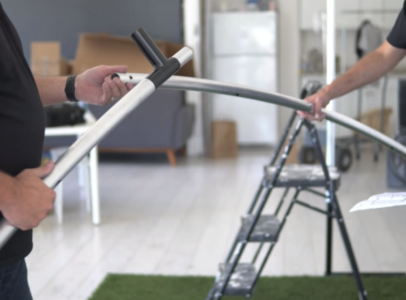
Start with the push button aluminum frame. Each piece easily connects and secures itself using the push button mechanism or D-Ring security loop.
Watch Video
02.
Vista 12 Exterior & Screen Assembly
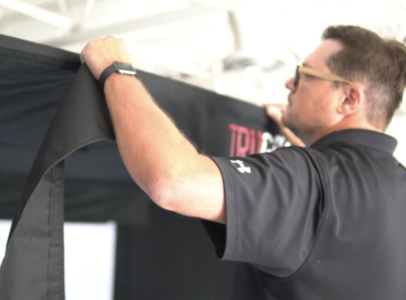
Once you have completed the frame, lay out the durable fabric enclosure. Take care to separate the Right Side and Left Side walls - indicated by the interior neoprene microphone enclosure sleeves.
Watch Video
03.
Overhead Lighting Tutorial
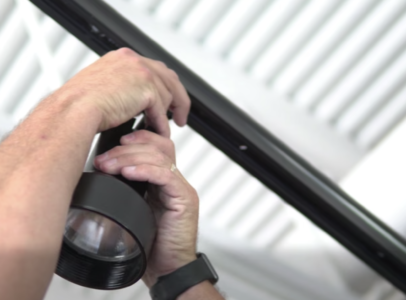
Ensure the spot bulb is pointed directly at your TruTrack2 Sensors for most accurate readings.
Watch Video
04.
Vista 8 Exterior & Screen Application
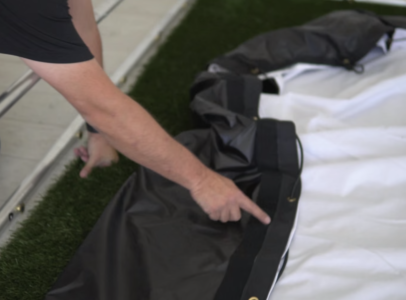
Follow these steps to complete the set up of your TruGolf enclosure and impact screen.
Watch Video
05.
Acoustic Sensor Diagnostic
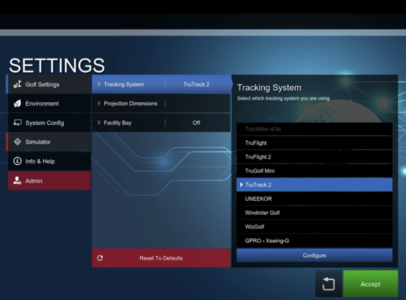
Ensure your microphones are set at at optimal levels for accurate tracking.
Watch Video